
html tutorial - Button <button> tag in HTML - html5 - html code - html form
Learn html - html tutorial - button tag in html - html examples - html programs
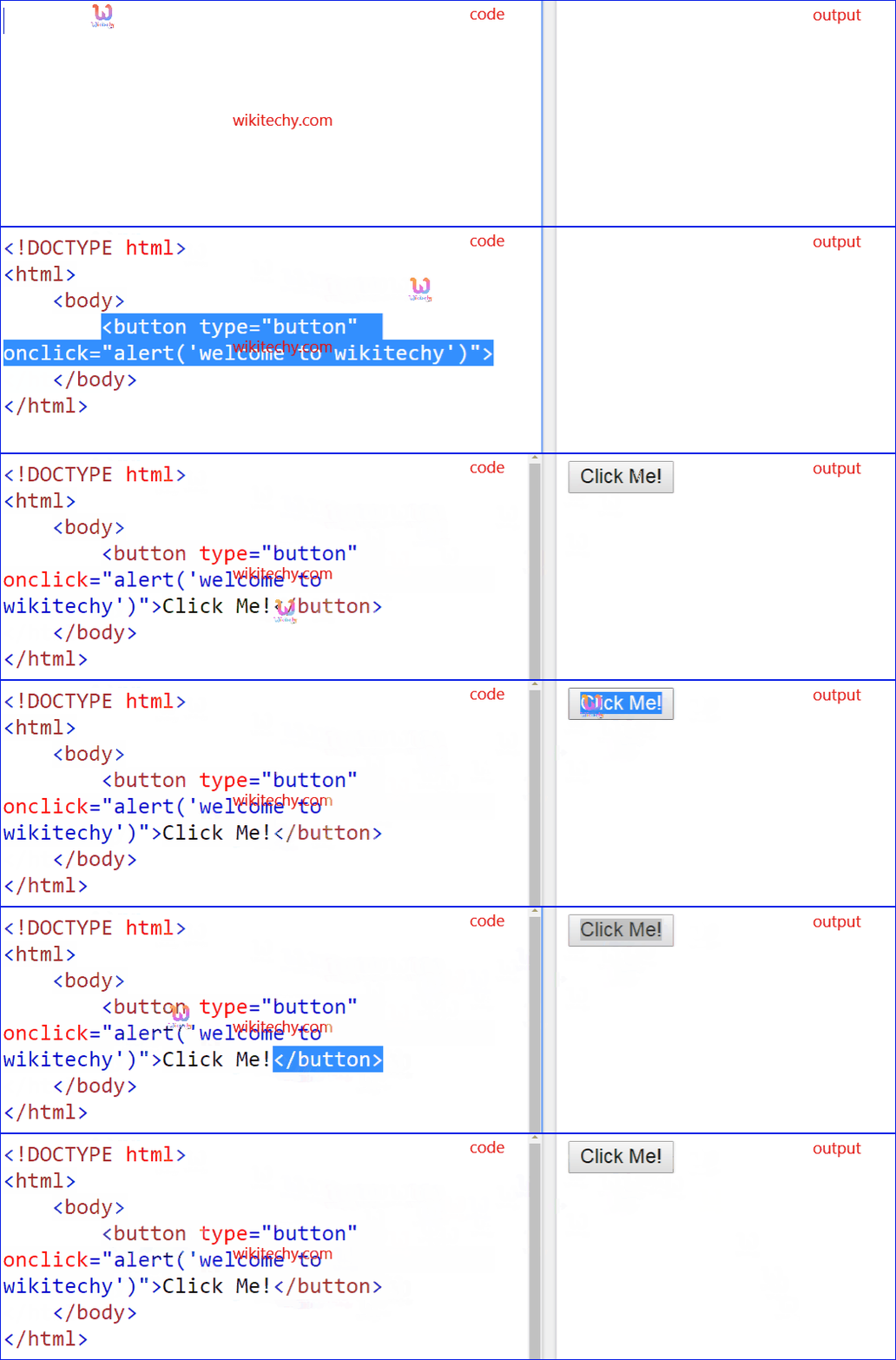
- <button> element specifies the clickable function.
- Inside the button tag we can put content like images or text.
- It supports Global and event attributes.
- <button> tag belongs to Flow content, Phrasing content, interactive content, listed, labelable,submittable form associate Content category.
Syntax for <button> tag:
<button>Content here...</button>Sample Coding for <button> tag:
Tryit<!DOCTYPE html>
<html >
    <body>
        <button type="button" onclick="alert('welcome to wikitechy')">Click Me!
        </button>
    </body>
</html>
Code Explanation for <button> tag:
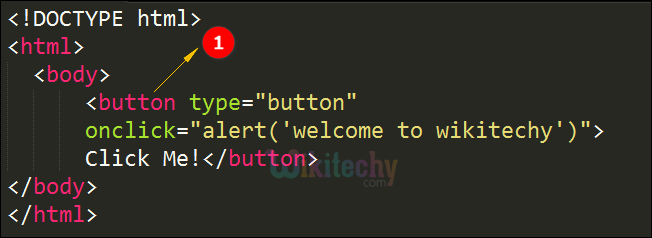
- <button> tag used to show a button with clickable event.
Output of <button> tag:
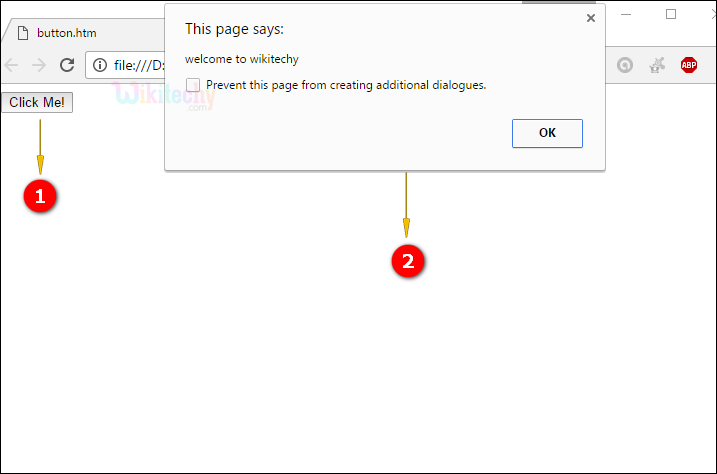
- Button is displayed with the name “Click Me!” text.
- When user clicks the button an alert message is displayed as “welcome to wikitechy”.
Attribute for <button>tag:
| Attribute | Value | HTML4 | HTML5 | Description |
|---|---|---|---|---|
| autofocus | autofocus | No | Yes | a button should automatically get focus when the page loads |
| form | form_id | No | Yes | one or more forms the button belongs to |
| formaction | URL | No | Yes | Denotes where to send the form-data when a form is submitted. Only for type="submit" |
| formenctype | application/x-www-form-urlencoded multipart/form-data text/plain |
No | Yes | Denotes how form-data should be encoded before sending it to a server. Only for type="submit" |
| formmethod | get post |
No | Yes | Specifies how to send the form-data (which HTTP method to use). Only for type="submit" |
| formnovalidate | formnovalidate | No | Yes | Specifies that the form-data should not be validated on submission. Only for type="submit" |
| formtarget | _blank _self _parent _top framename |
No | Yes | Specifies where to display the response after submitting the form. Only for type="submit" |
| disabled | disabled | Yes | No | a button should be disabled |
| name | name | Yes | No | a name for the button |
| type | button reset submit |
Yes | No | the type of button |
| value | text | Yes | No | Specifies an initial value for the button |
Browser Support for <button> tag:
 |
 |
 |
 |
 |
|---|---|---|---|---|
| No | No | Yes | No | No |