Learn html - html tutorial - onkeyPress attribute in html - html examples - html programs
The onkeypress attribute is used to activate an event when the user presses a keyboard key.
The onkeypress attribute is an Event Attributes.
Syntax for onkeypress attribute in HTML:
<element onkeypress ="script">
Applies To:
Element
Attribute
All HTML Elements
onkeypress
onkeypress Attribute Value:
Value
Description
script
The script to be run on onkeypress.
Sample Coding for onkeypress Attribute in HTML:
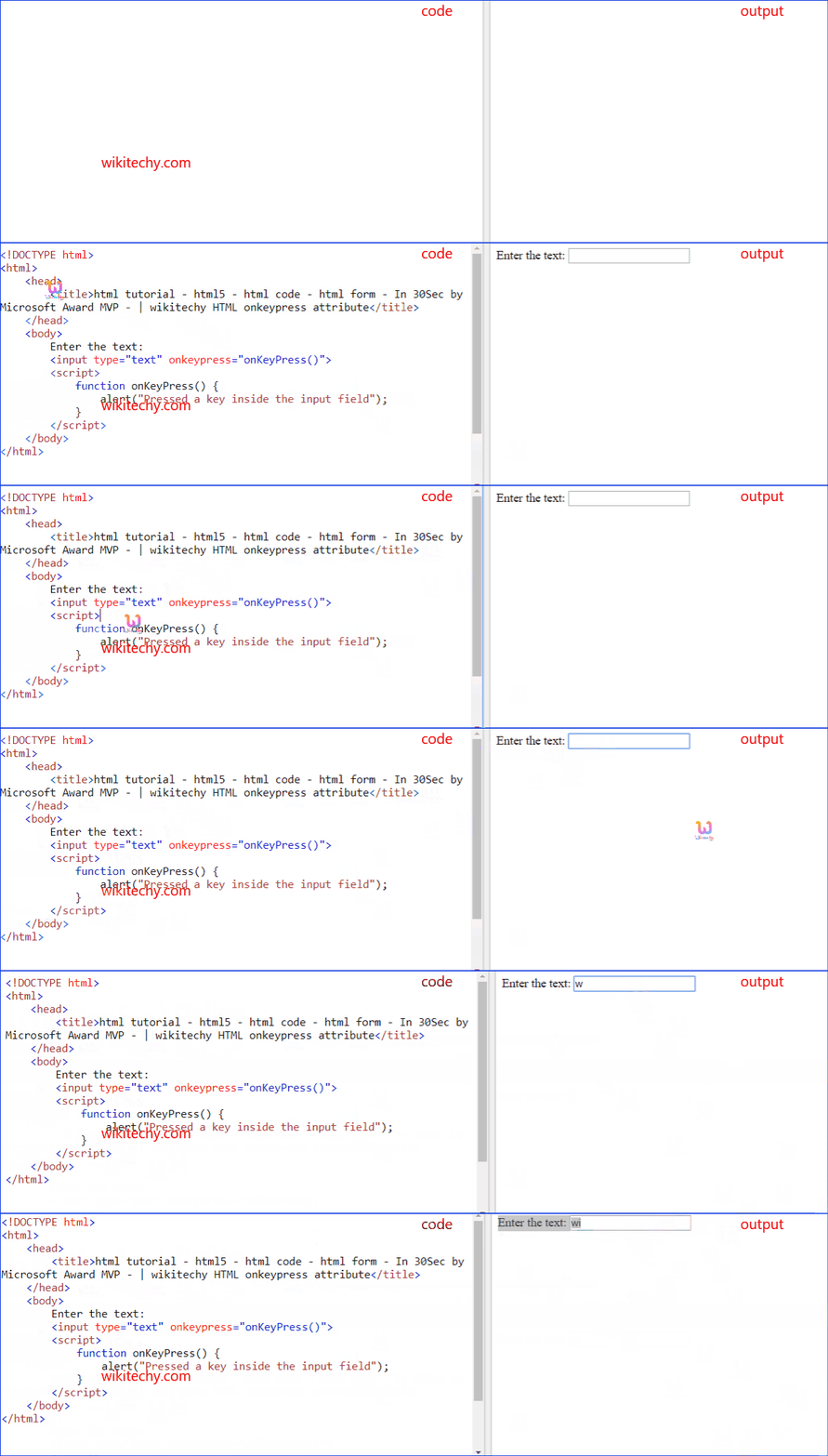
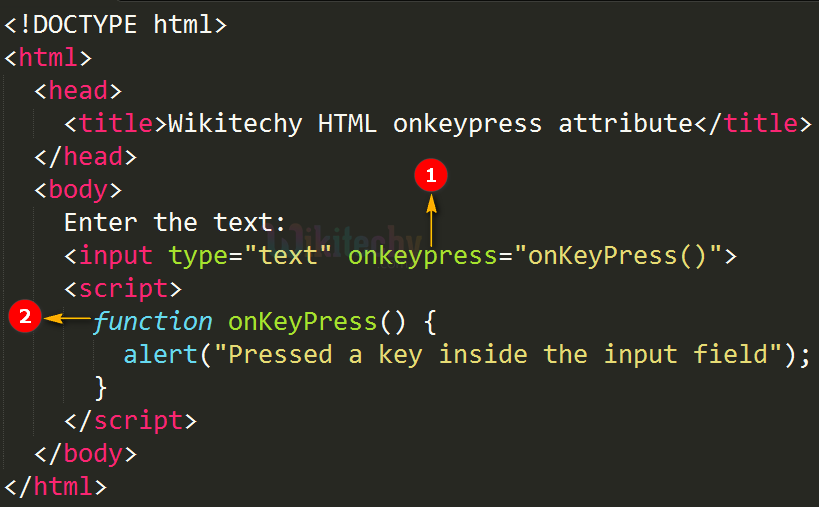
Tryit<!DOCTYPE html><html><head><title>Wikitechy onkeypress attribute</title></head><body>
Enter the text:
<input type="text" onkeypress= "onKeyPress()"><script>
function onKeyPress()
{
alert ("Pressed a key inside the input field");
}
</script></body></html>
Code Explanation for onkeypress Attribute in HTML:
onkeypress attribute is used to call a JavaScript function when the user press a key in the textbox.
onKeyPress() is a JavaScript function , which is used to display an alert box when the onkeypress attribute is activated.
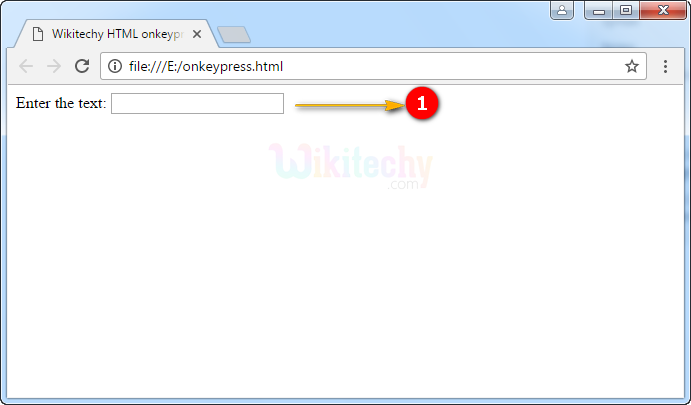
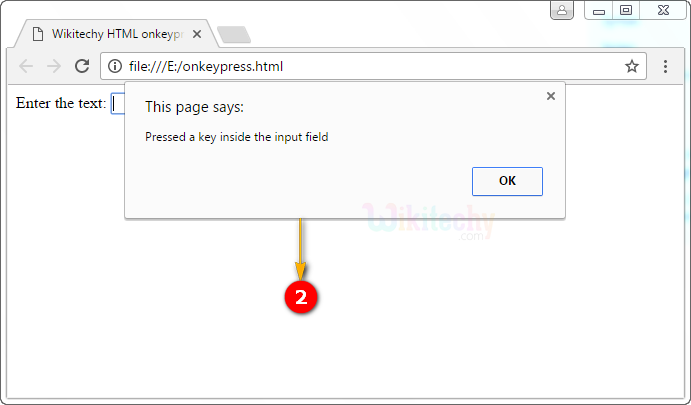
Output for onkeypress Attribute in HTML:
The output shows that the text box will display on the page load.
If user presses a key on the keyboard in the text box then the onkeypress event occurs that displays an alert box.
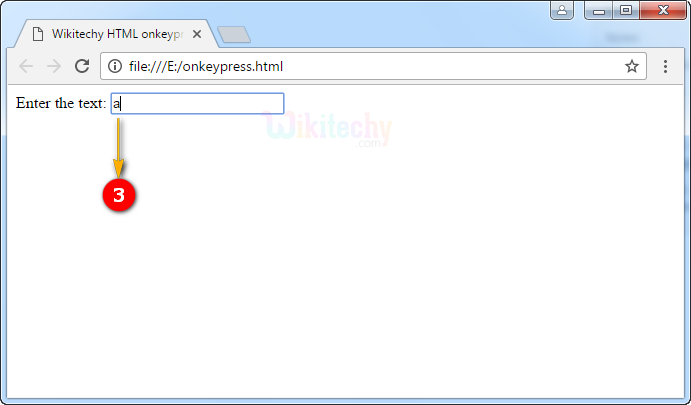
After clicking the ok button in an alert box, the text “a” was shown in the text box.
Browser Support for onkeypress Attribute in HTML:
Yes
Yes
Yes
Yes
Yes
Tips and Notes
The onkeypress event is not activated for all the keys like ALT, CTRL, SHIFT, ESC in all browsers.