
html tutorial - autofocus Attribute in HTML - html5 - html code - html form
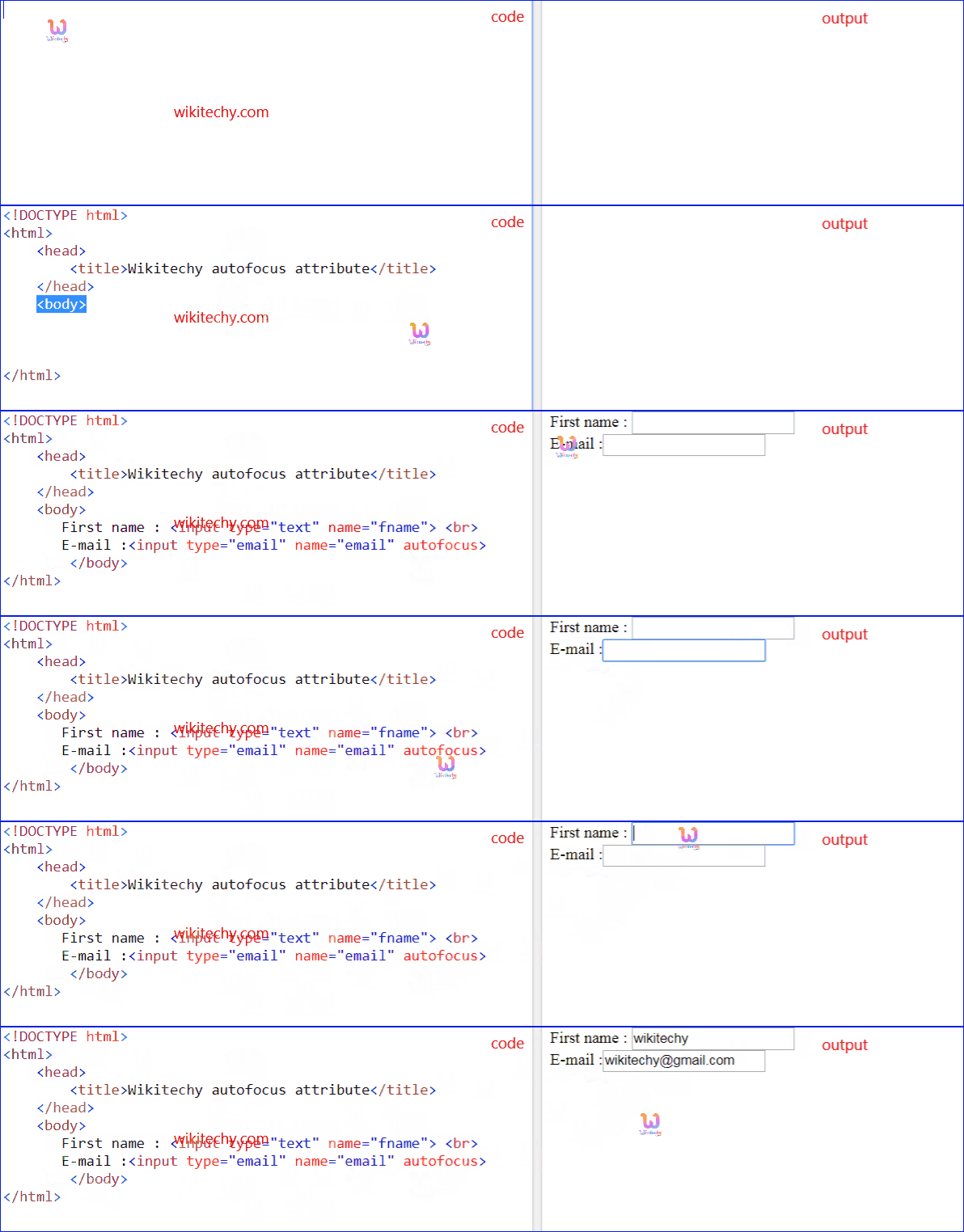
Learn html - html tutorial - Autofocus attribute in html - html examples - html programs
- The autofocus attribute is a Boolean attribute.
- The autofocus attribute particularly specifies the element should automatically focus when the HTML page is loaded.
Syntax for autofocus attribute in HTML:
<element autofocus>Differences between HTML 4.01 and HTML5 for autofocus attribute:
HTML 4.01
- HTML4 does not support autofocus attribute.
HTML 5
- autofocus attribute new in HTML5.
Applies To:
| Elements | Attribute |
|---|---|
| <button> | autofocus |
| <input> | autofocus |
| <keygen> | autofocus |
| <select> | autofocus |
| <textarea> | autofocus |
Sample Coding for autofocus Attribute in HTML:
Tryit<!DOCTYPE html>
<html>
    <head>
        <title>Wikitechy autofocus attribute</title>
    </head>
    <body>
       First name : <input type="text" name="fname">
       E-mail : <br>
       <input type="email" name="email" autofocus>
        </body>
</html>
Code Explanation for autofocus Attribute in HTML:
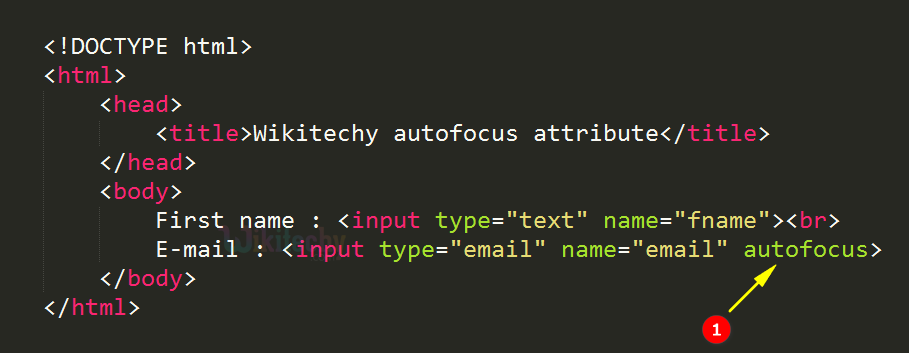
- autofocus attribute is used to enable the autofocus for the E-mail textbox.
Output for autofocus Attribute in HTML:
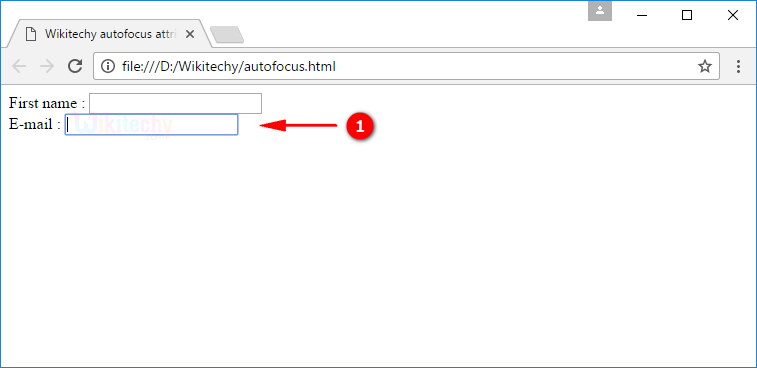
- The output shows that the E-mail textbox automatically focused while the page load.
Browser Support for autofocus Attribute in HTML:
| Element |  |
 |
 |
 |
 |
|---|---|---|---|---|---|
| <form> | 5.0 | 10.0 | 4.0 | 5.0 | 9.6 |
| <input> | 5.0 | 10.0 | 4.0 | 5.0 | 9.6 |
| <keygen> | yes | No | No | 5.0 | Yes |
| <textarea> | yes | 10.0 | 4.0 | Yes | Yes |