
ReactJS Props - React Tutorial for Begineers
What is Props in ReactJS ?
- Props are half of what make React components special.
- State is only seen on the inside of component definitions where as Props are defined when components are created by either JSX or by pure JavaScript.
- The main difference between state and props is that props are immutable.
- Props are passed to components through HTML attributes. props stands for properties.
React Props
- React Props are like function arguments in JavaScript and attributes in HTML.
- To send props into a component, use the same syntax as HTML attributes:
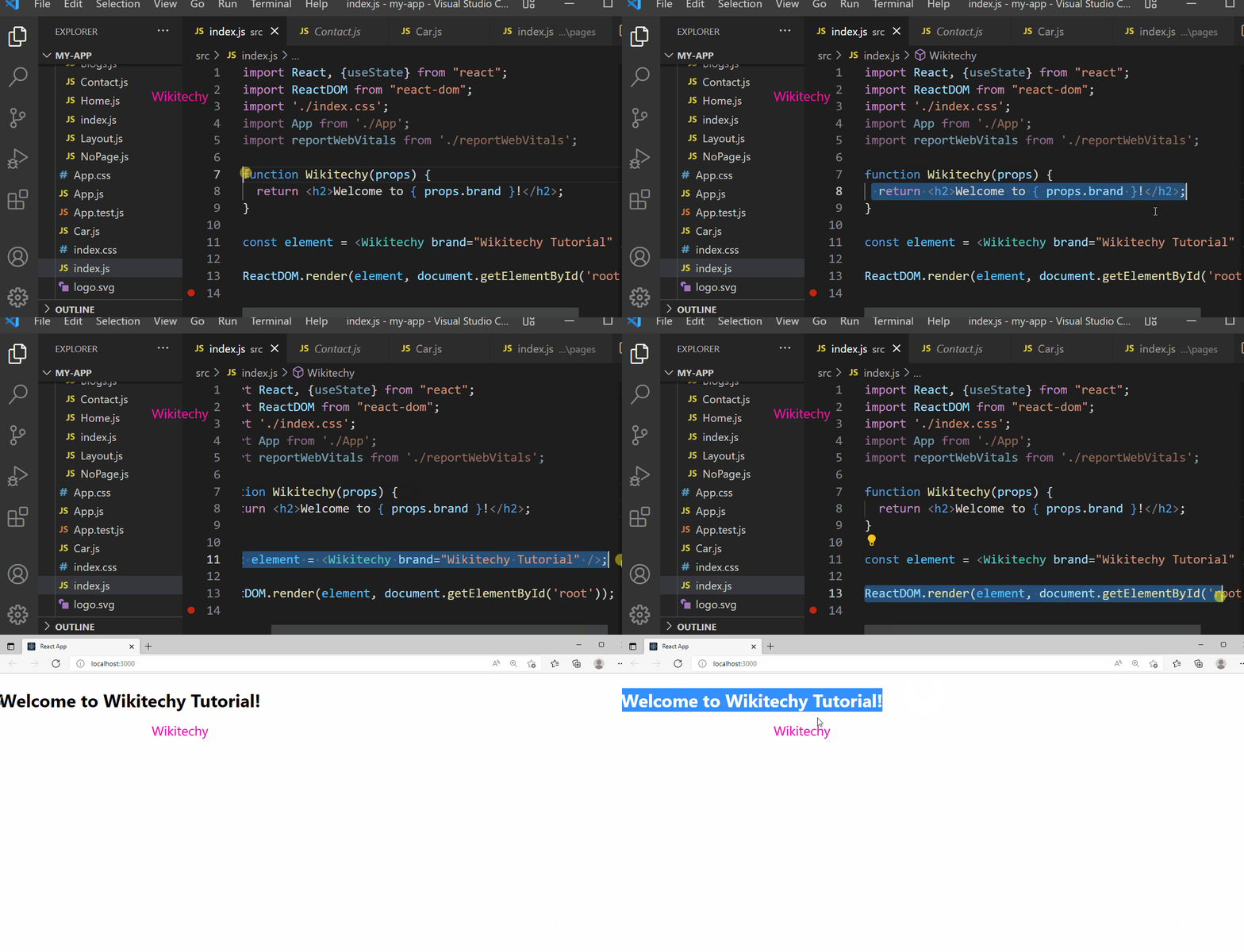
Sample Code
import React, {useState} from "react";
import ReactDOM from "react-dom";
import './index.css';
import App from './App';
import reportWebVitals from './reportWebVitals';

function Wikitechy(props) {
  return <h2>Welcome to { props.brand }!</h2>;
}

const element = <Wikitechy brand="Wikitechy Tutorial" />;

ReactDOM.render(element, document.getElementById('root'));
Output
Welcome to Wikitechy Tutorial!
Pass Data :
- In props, we can pass data from one component to another, as parameters.
- Note: React Props are read-only! You will get an error if you try to change their value.
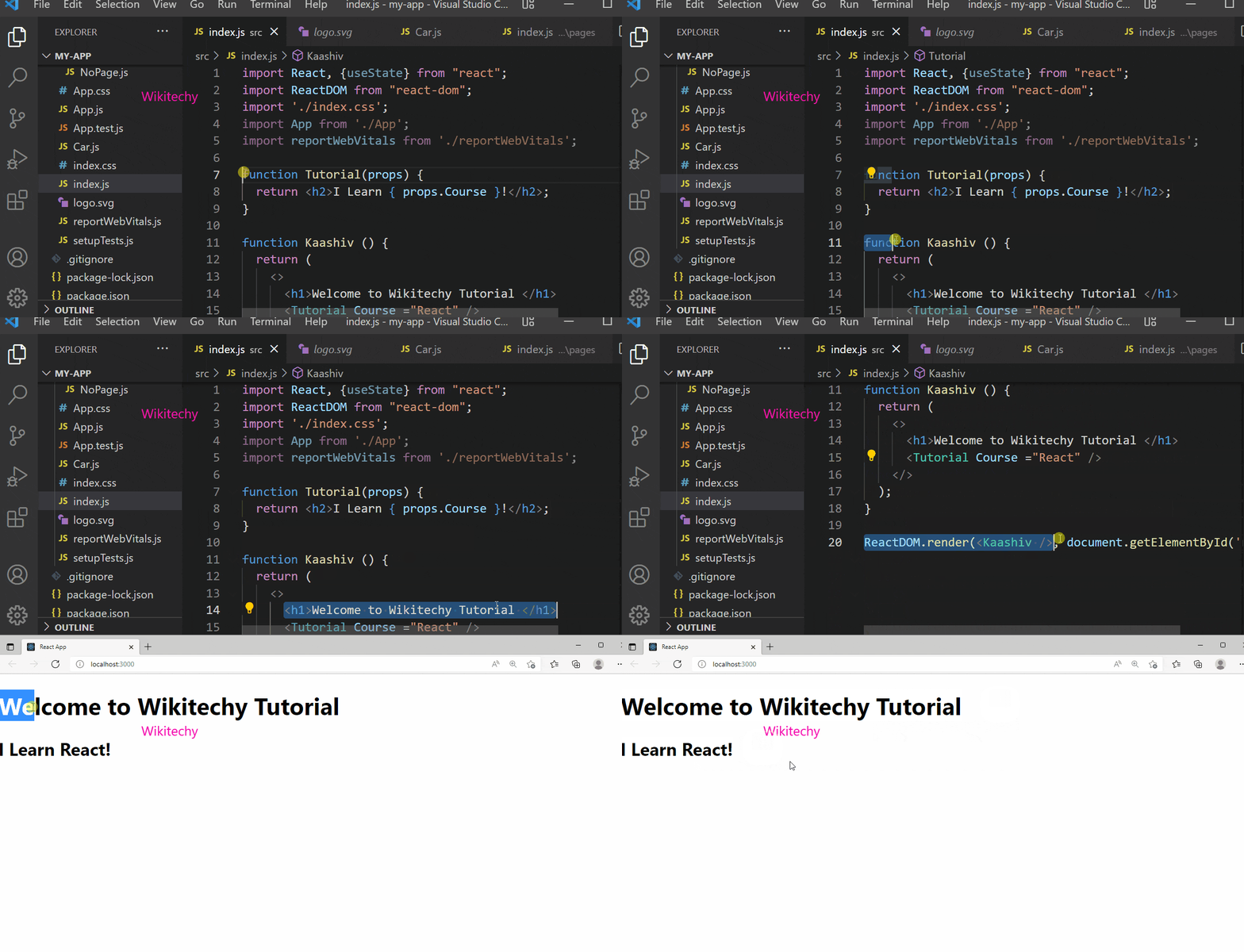
Sample Code
import React, {useState} from "react";
import ReactDOM from "react-dom";
import './index.css';
import App from './App';
import reportWebVitals from './reportWebVitals';

function Tutorial(props) {
  return <h2>I Learn { props.Course }!</h2>;
}

function Kaashiv () {
  return (
    <>
	    <h1>Welcome to Wikitechy Tutorial </h1>
	    <Tutorial Course ="React" />
    </>
  );
}

ReactDOM.render(<Kaashiv />, document.getElementById('root'));
Output
Welcome to Wikitechy Tutorial
I Learn to React!